WhatsApp Chatbot Development for Businesses in 2026: Features, API Integration & Automation
Customers now expect quick answers without switching between calls, emails and support forms. This is one reason WhatsApp chatbot development for business has become more valuable in 2026.
A properly developed chatbot can answer questions, qualify leads, book appointments, retrieve order information and connect customers with sales or support teams. When linked with apps, CRM systems and backend platforms it can also handle routine tasks that would otherwise require manual work.
What Is a WhatsApp Chatbot for Busin?ess?
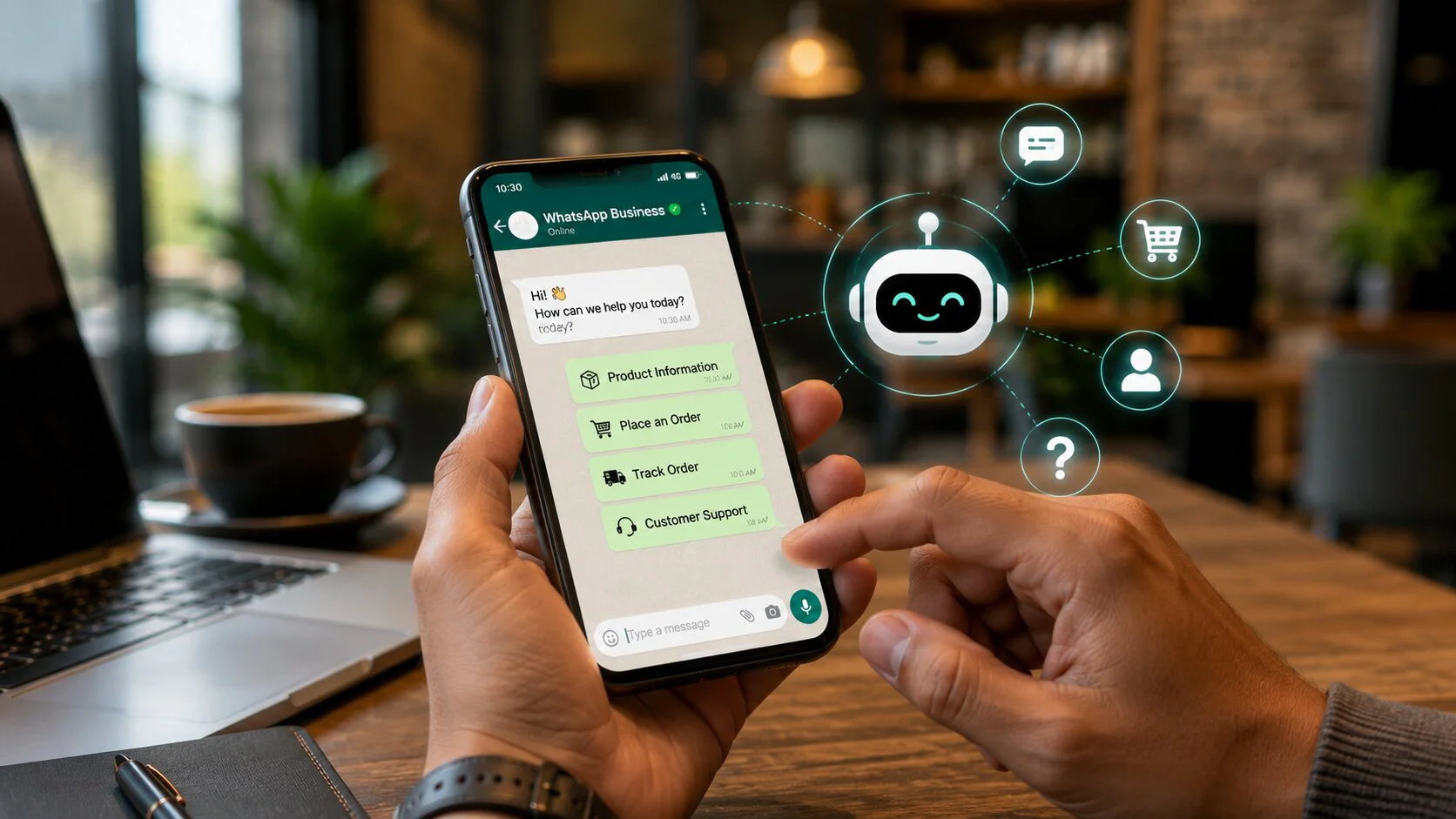
A WhatsApp chatbot is software connected to the WhatsApp Business Platform that receives customer messages and responds using predefined rules, business data or AI-supported logic.
A basic bot may answer common questions. A more advanced WhatsApp Business API chatbot can connect with CRM software, ecommerce systems, booking platforms, payment services and mobile applications.
For example, if a customer asks about an order the chatbot can identify the customer, retrieve the order record and provide the latest delivery status without asking them to contact support separately.
This ability to work with real business data makes the chatbot much more useful than a simple auto-reply system.
How Does a WhatsApp Chatbot Work?
A customer sends a message through WhatsApp.
The message passes through the WhatsApp Business Platform. A webhook then sends the event to the company's application where chatbot logic decides what the customer needs.
The system may retrieve information from another platform before sending the response.
A typical process looks like this:
Customer message → WhatsApp Cloud API → Webhook → Chatbot logic → Business system → WhatsApp response
If a customer wants to reschedule an appointment the chatbot can recognise the request, find the existing booking, show available dates and update the appointment after confirmation.
The customer can complete the entire process without calling another department.
Types of WhatsApp Chatbots Businesses Can Use
Rule-Based Chatbots
Rule-based bots follow fixed conversation paths.
They work well for:
-
Frequently asked questions
-
Order tracking
-
Appointment requests
-
Lead qualification
-
Service enquiries
-
Product categories
These bots are easier to control when customer journeys are predictable.
AI-Powered Chatbots
AI-powered bots allow customers to ask questions in their own words.
A shopper could write:
"I need a phone with a strong camera under Rs.40,000."
The chatbot can understand the request and search an approved product catalogue for suitable options.
AI should not be allowed to invent prices, availability, policies or account information. Important information should come from verified business systems.
Hybrid Chatbots
Many companies benefit from combining AI with fixed business rules.
AI can understand customer intent while structured workflows handle payments, bookings, CRM updates and account changes.
This gives customers more freedom in how they communicate while keeping sensitive business actions under control.
Key Features of a Business WhatsApp Chatbot
24/7 Initial Support
A chatbot can respond to common questions outside office hours and collect information for cases that need employee attention later.
Lead Qualification
Businesses can use WhatsApp to collect details such as:
-
Name
-
Company
-
Requirement
-
Budget
-
Location
-
Purchase timeframe
-
Contact information
Qualified prospects can then be passed to the sales team instead of requiring employees to screen every incoming enquiry.
Appointment Booking
WhatsApp can connect with booking software or internal calendars.
Customers can check available slots, select a time and receive confirmation directly within the conversation.
Order Tracking
Ecommerce businesses can automate common delivery questions.
The chatbot can provide dispatch status, courier details, tracking information, delivery updates and return instructions.
Product Assistance
A chatbot can ask a few questions about budget, preferences or intended use before showing relevant products.
This is particularly useful for businesses with large catalogues.
Human Handoff
Automation should not trap customers in a loop.
The chatbot should pass the conversation to a person when:
-
The customer asks for an employee
-
The bot cannot understand the issue
-
A complaint requires attention
-
A refund needs approval
-
The enquiry has high sales value
-
Sensitive information is involved
The employee should receive the previous conversation so the customer does not have to repeat everything.
WhatsApp Business API Integration
Businesses planning to build WhatsApp bot systems generally need the WhatsApp Business Platform and Cloud API rather than only the WhatsApp Business mobile app.
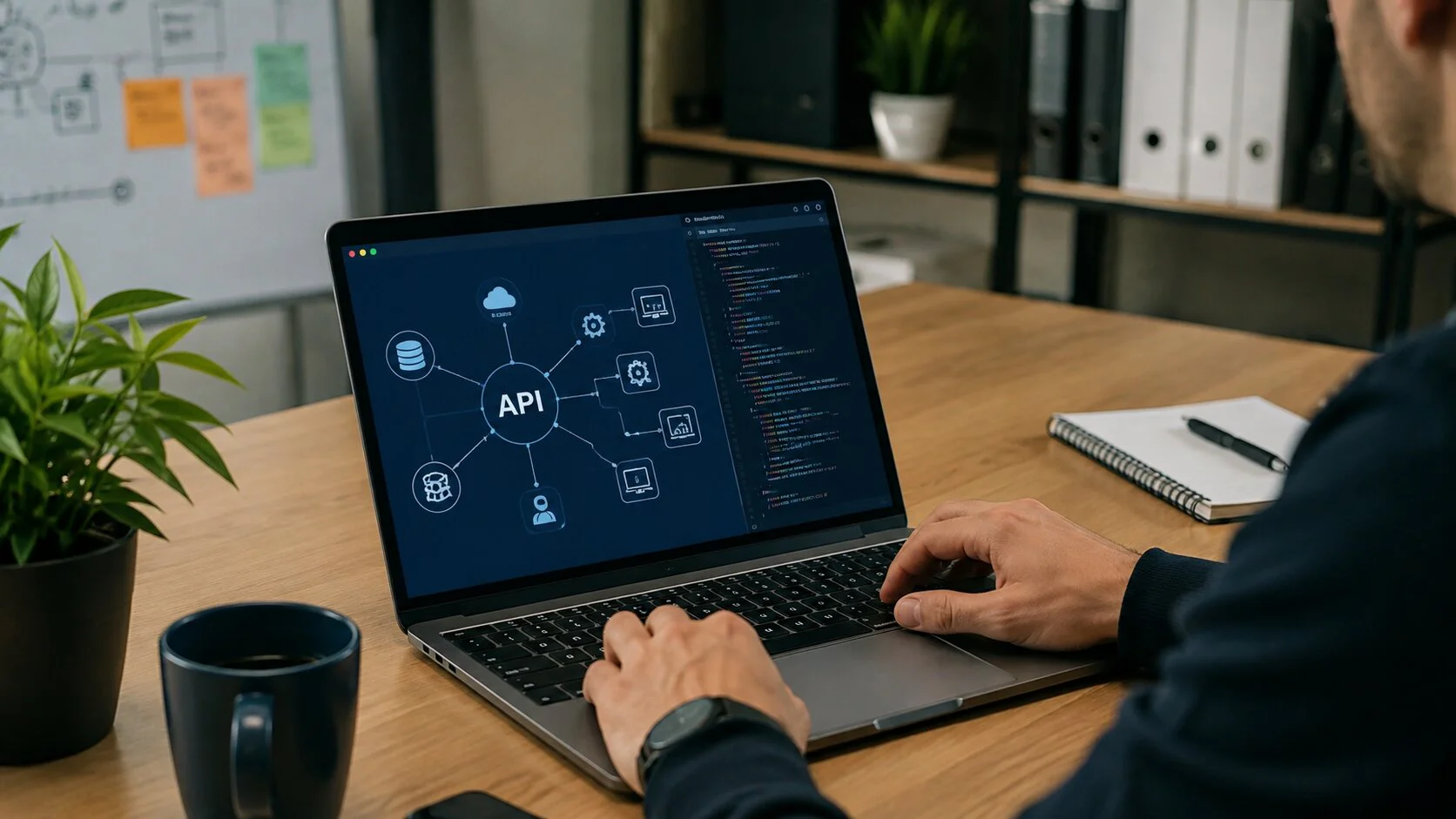
Cloud API allows WhatsApp to exchange information with websites, CRM platforms, mobile applications and other business software.
The development process usually includes API access, webhook configuration, conversation logic, authentication, database connections and third-party integrations.
Companies that already operate a customer-facing application can connect WhatsApp with existing functionality through professional mobile app development services. This allows WhatsApp conversations to interact with customer accounts, booking tools, ecommerce functions or other app-based features.
Connecting WhatsApp With a Mobile App
A useful opportunity that many businesses overlook is the connection between WhatsApp and their existing mobile application.
Consider a food delivery company.
A customer receives an order update through WhatsApp then opens the mobile app to change delivery instructions. Both channels should recognise the same customer and retrieve the same order information.
The same approach can work for travel apps, marketplaces, healthcare platforms, financial applications and service-booking systems.
Businesses working with a custom app development company can plan the API layer so WhatsApp and the mobile application communicate with the same backend systems. This helps keep customer details, bookings, payments and order information consistent across both channels.
CRM and Sales Automation
CRM integration is one of the most useful applications of WhatsApp automation for business.
A chatbot can automatically:
-
Create a new lead
-
Find an existing customer
-
Record requirements
-
Assign an enquiry
-
Update a sales stage
-
Schedule follow-up
-
Notify a salesperson
-
Store conversation outcomes
A prospect coming from a click-to-WhatsApp advertisement can answer qualification questions then move directly into the sales pipeline.
This reduces manual data entry and helps sales teams respond to better-qualified opportunities.
Ecommerce Automation Through WhatsApp
WhatsApp can support several stages of the buying journey.
Common automations include:
-
Product availability checks
-
Product recommendations
-
Payment assistance
-
Order confirmations
-
Shipping updates
-
Delivery tracking
-
Return requests
-
Review requests
-
Repeat-order reminders
The chatbot does not need to replace an ecommerce website or mobile app. It can act as another access point to the same customer, product and order data.
WhatsApp Flows for Structured Tasks
Some customer journeys become tiring when the chatbot asks one question at a time.
WhatsApp Flows can help businesses collect structured information directly inside WhatsApp.
They can be used for:
-
Appointment scheduling
-
Lead forms
-
Quote requests
-
Product selection
-
Registration
-
Surveys
-
Service requests
-
Customer feedback
A Flow can collect several details together then send the completed information back to the business system.
This makes Flows particularly useful when combined with chatbot logic and backend APIs.
Connecting WhatsApp Automation With Business Apps
WhatsApp becomes more useful when it works as part of a wider application setup.
For example, a field-service company may have a mobile app where customers book services and view previous jobs. WhatsApp can handle reminders, simple rescheduling and service updates while the app remains the main place for detailed account management.
Planning both channels through business app development solutions can help keep authentication, customer records, notifications and API behaviour consistent across WhatsApp and the application.
The objective is not to force customers into one channel. It is to make both channels work together.
WhatsApp Messaging Pricing in 2026
WhatsApp Business Platform pricing changed in July 2025.
Businesses are now charged based on delivered messages rather than the older conversation-based pricing model.
The main message categories include:
-
Marketing
-
Utility
-
Authentication
-
Service
Pricing can vary by category and recipient market.
Businesses should check Meta's latest pricing before estimating monthly costs because rates and rules can change.
The full chatbot budget may also include development, hosting, AI usage, integrations, third-party software and maintenance.
What Affects WhatsApp Chatbot Development Cost?
There is no single price that applies to every chatbot.
Cost depends on factors such as:
-
Number of conversation flows
-
CRM or ERP integrations
-
Ecommerce connectivity
-
Mobile app integration
-
AI requirements
-
Payment integration
-
Admin dashboard requirements
-
Security requirements
-
Expected message volume
-
Ongoing support
A chatbot that answers FAQs will require much less development than one connected with customer accounts, CRM software, payments and logistics systems.
Security and Customer Data
A WhatsApp chatbot may handle phone numbers, order details, account information and other customer data.
Development should account for secure API credentials, access permissions, encryption, logging, monitoring and data retention.
AI-based bots need additional safeguards.
The AI system should only receive the data required for the current task. Sensitive actions such as refunds, account updates or payment changes should follow fixed business rules.
What Should Not Be Automated?
Not every customer interaction should be handled by a bot.
Human assistance remains important for:
-
Serious complaints
-
Complex refunds
-
Contract discussions
-
High-value negotiations
-
Sensitive account issues
-
Billing disputes
-
Policy exceptions
A useful chatbot removes repetitive work without making customers struggle when they need a real person.
How to Measure WhatsApp Chatbot Performance
Do not judge a chatbot by message volume alone.
Businesses should track metrics such as:
-
Qualified lead rate
-
Appointment booking rate
-
Sales conversion rate
-
Automated resolution rate
-
Human handoff rate
-
Average response time
-
Flow completion rate
-
Customer satisfaction
-
Cost per qualified lead
-
Revenue influenced by WhatsApp
These metrics show whether WhatsApp chatbot development for business is improving sales, support and operational efficiency.
WhatsApp Chatbot and App Integration Services From Idiosys Tech
Businesses that want WhatsApp to work with an existing mobile app or a new customer-facing application need more than a chatbot interface.
The backend architecture, APIs, user accounts, security rules and automation logic all need to work together.
Idiosys Tech provides Android and iOS app development along with API integration, testing, deployment and ongoing maintenance. Its development team can connect WhatsApp functionality with customer accounts, ecommerce systems, booking platforms and other application features based on the actual business workflow.
This approach is suitable for ecommerce companies, service businesses, marketplaces and other organisations where customers regularly move between mobile applications and messaging channels.
Conclusion
WhatsApp chatbot development for business in 2026 is no longer limited to automated replies. Companies can connect WhatsApp with mobile apps, CRM platforms, booking systems, ecommerce operations and other software already used by their teams.
A properly planned WhatsApp Business API chatbot can qualify leads, retrieve live information, manage routine customer requests and pass complex cases to employees.
Businesses preparing to build WhatsApp bot systems should first identify the conversations that consume the most time or create the most customer friction. They can then connect the right applications and APIs before deciding which steps should be automated.
When WhatsApp automation for business works together with the wider application environment it can reduce repetitive work, shorten response time and give customers a more consistent experience across WhatsApp and mobile apps.
Subir Das
Senior Mobile App Developer, Idiosys Tech
A senior mobile app developer brings ideas to life with powerful Android and iOS apps. With a focus on innovation and user delight, he leads his team to create seamless, engaging, and impactful mobile experiences.